




Description
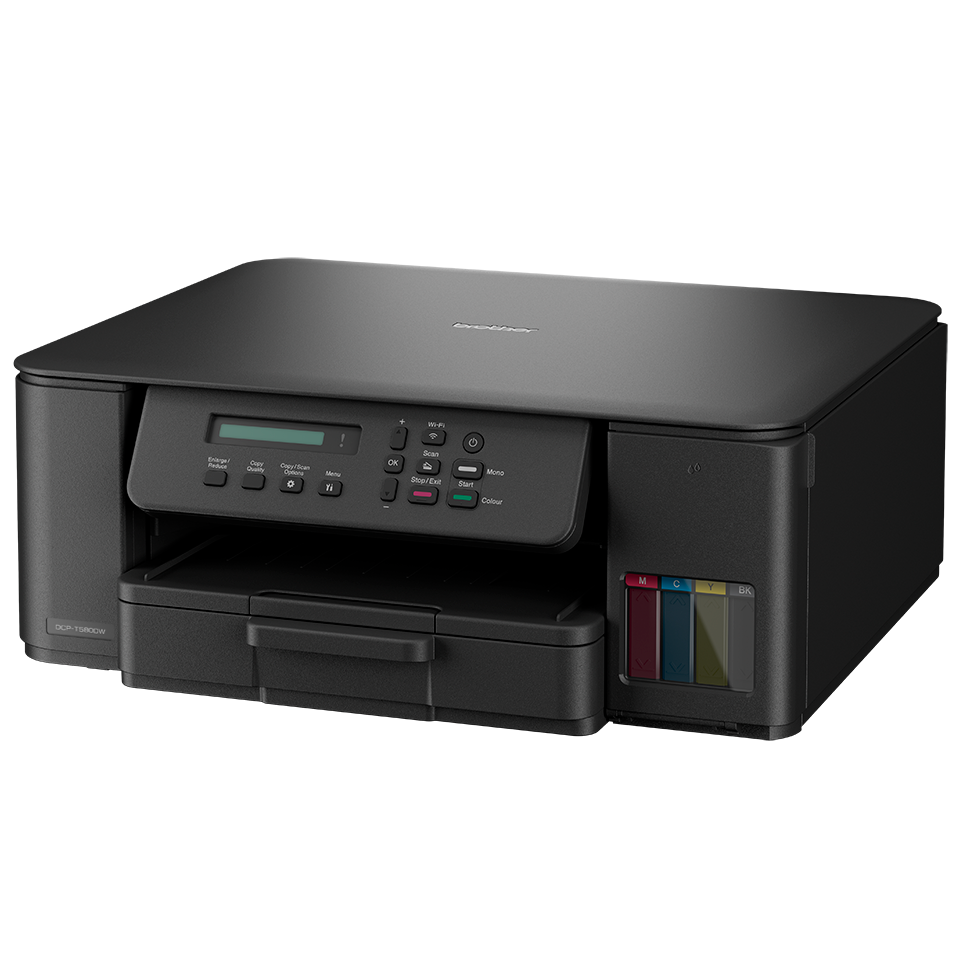
Print more while spending less with the Brother A4 Colour Wireless Ink Tank Multifunction Printer. Designed for home users, home offices and small businesses, this versatile all-in-one printer combines printing, scanning and copying with an economical refillable ink tank system that delivers exceptionally low running costs.
The innovative Ink Tank design uses easy-refill, high-yield ink bottles that provide thousands of printed pages before replacement is needed. Supplied with enough ink to print up to 7,500 black pages and 5,000 colour pages, it's an excellent choice for users who print regularly and want to reduce the cost per page.
Featuring automatic duplex (double-sided) printing, the printer helps reduce paper usage while saving time on everyday printing tasks. The 150-sheet paper tray keeps paper protected and ready to use, while the manual feed slot offers added flexibility for a variety of paper types.
Stay connected with dual-band 2.4GHz and 5GHz Wi-Fi or USB connectivity, allowing you to print wirelessly from laptops, desktops and compatible mobile devices. The Brother Mobile Connect app makes it easy to print and scan directly from your smartphone or tablet, while the intuitive 1-line LCD display keeps everyday operation simple.
Combining low running costs, reliable performance and easy wireless printing, the Brother Wireless Ink Tank Multifunction Printer is an ideal solution for busy homes and small offices looking for high-quality printing without the ongoing expense of traditional cartridges.
Key Features
- Print, scan and copy
- Refillable ink tank system
- Automatic duplex printing
- Print speeds up to 16 ipm (mono)
- Wireless 2.4GHz & 5GHz Wi-Fi
- USB connectivity
- Brother Mobile Connect app compatible
- 150-sheet paper tray
- Manual feed slot
- 1-line LCD display
- Includes high-yield ink bottles
- A4 colour inkjet printing
What's in the Box?
- Brother A4 Colour Wireless Ink Tank Multifunction Printer
- Black ink bottle
- Cyan ink bottle
- Magenta ink bottle
- Yellow ink bottle
- Power cable
- Quick setup guide
- User documentation